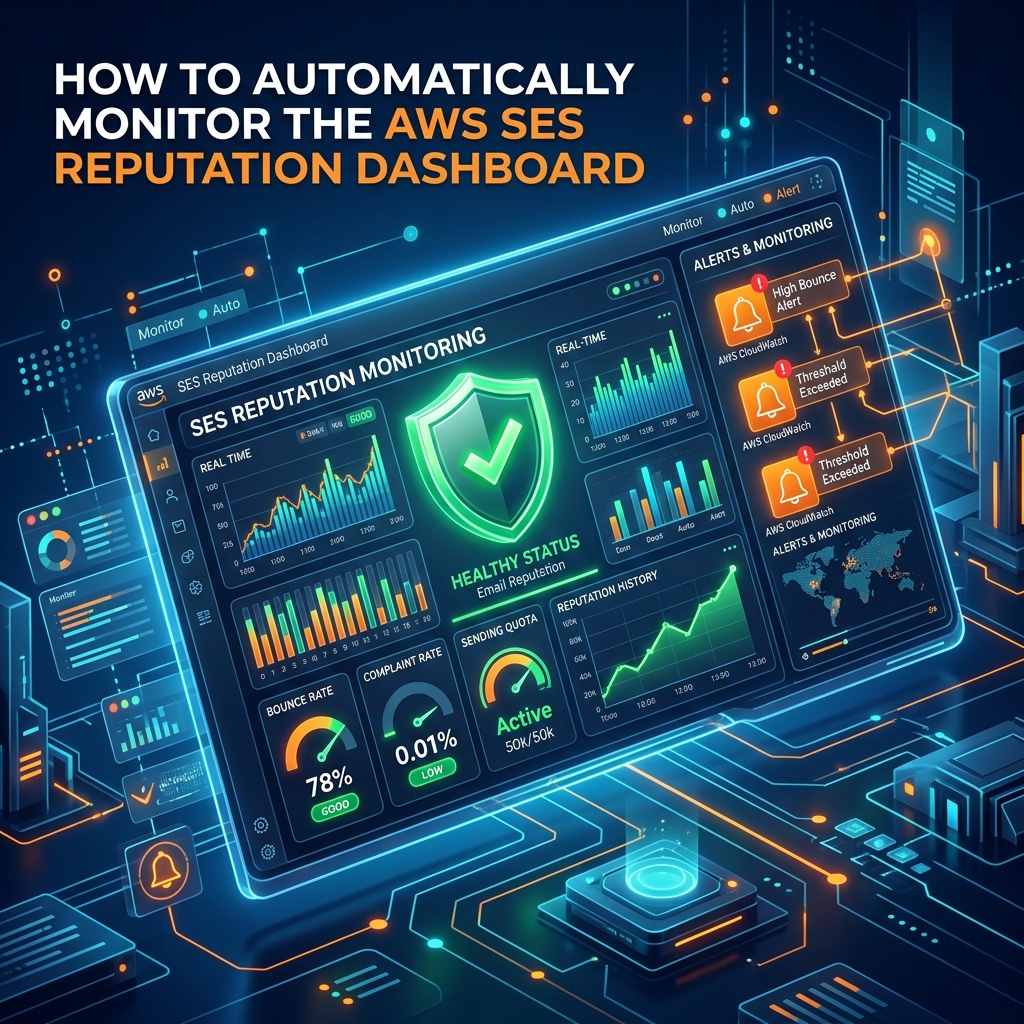
Maintaining a bounce rate under 2% is critical for keeping your AWS SES account active. If your bounce rate exceeds 10%, AWS will suspend your sending capabilities entirely.
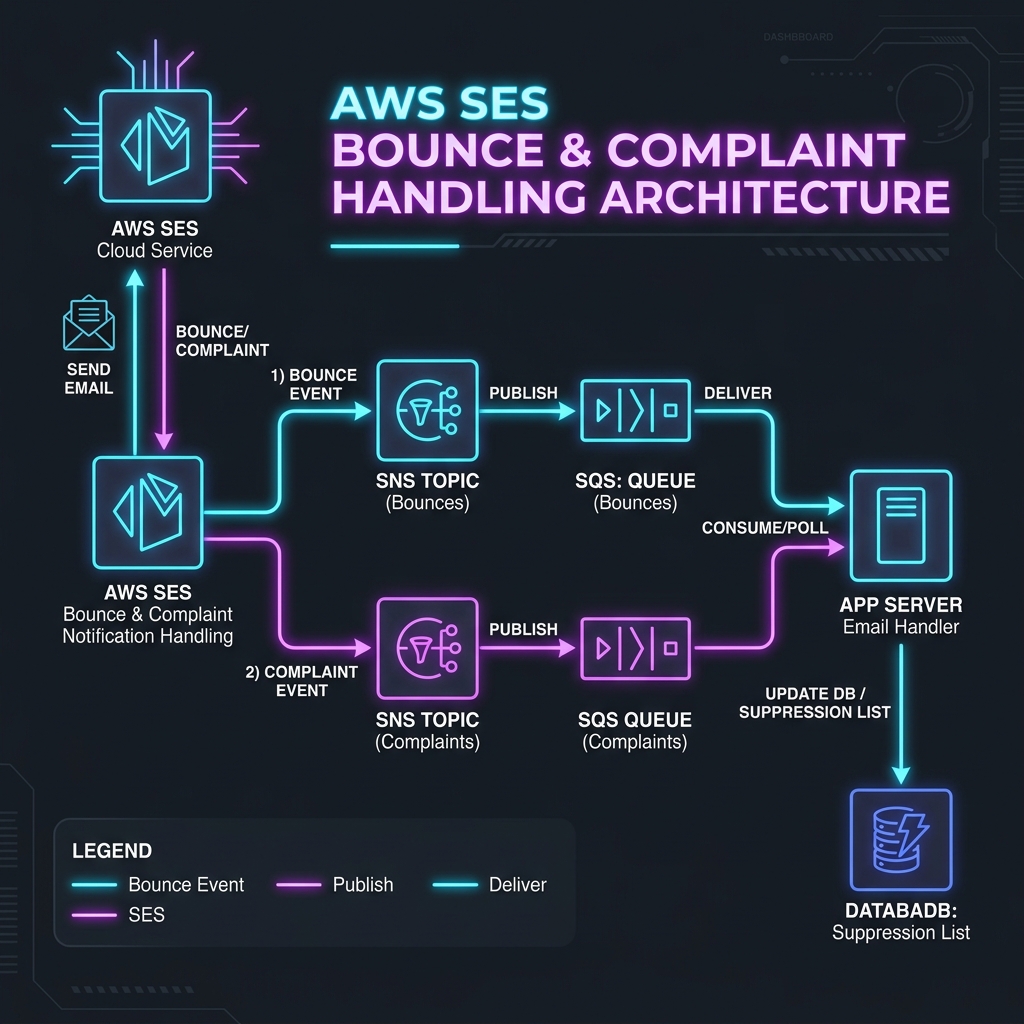
Setting up automated listeners using **Amazon SNS (Simple Notification Service)** and **Amazon SQS (Simple Queue Service)** is the enterprise-grade solution to handle bounces and complaints.
---
## 1. The Feedback Loop Architecture
Using a webhook directly from SES works, but SQS provides a queue buffer. If your app goes down for maintenance, SQS stores the bounce event and redelivers it when your app goes back online.
```text
[AWS SES Bounce] ---> [SNS Topic] ---> [SQS Queue] ---> [Laravel App Worker]
```
---
## 2. Creating the SNS Topic and SQS Queue
### A. AWS SNS Configuration
1. Go to the **Amazon SNS Console**.
2. Click **Topics** -> **Create topic**.
3. Select **Standard**, name it `ses-bounce-topic`, and click create.
### B. AWS SQS Configuration
1. Go to the **Amazon SQS Console**.
2. Click **Queues** -> **Create queue**.
3. Select **Standard**, name it `ses-bounce-queue`.
4. After creation, select the queue, click **Queue Actions**, and select **Subscribe queue to SNS topic**. Select `ses-bounce-topic`.
---
## 3. Mapping AWS SES Notifications
Now link your verified SES domain to the SNS topic:
1. Open the **AWS SES Console**.
2. Select your verified domain under **Verified identities**.
3. Under **Feedback notifications**, click **Edit**.
4. Set Bounces, Complaints, and Deliveries to target your newly created SNS Topic (`ses-bounce-topic`).
---
## 4. Setting Up the Laravel Listener Job
Install the AWS SDK via composer:
```bash
composer require aws/aws-sdk-php
```
Create a command `php artisan make:command ProcessEmailBounces` to poll the SQS queue:
```php
public function handle()
{
$sqs = new SqsClient([...]);
$result = $sqs->receiveMessage([
'QueueUrl' => env('AWS_SQS_BOUNCE_URL'),
'MaxNumberOfMessages' => 10,
]);
if (!empty($result->get('Messages'))) {
foreach ($result->get('Messages') as $message) {
$body = json_decode($message['Body'], true);
$notification = json_decode($body['Message'], true);
if ($notification['eventType'] === 'Bounce') {
foreach ($notification['bounce']['bouncedRecipients'] as $recipient) {
// Save to local blocklist database table
SuppressionList::create(['email' => $recipient['emailAddress']]);
}
}
// Delete message from queue
$sqs->deleteMessage(['ReceiptHandle' => $message['ReceiptHandle']]);
}
}
}
```
Schedule this command to run every minute in `routes/console.php` to clean your mailing lists in real-time.