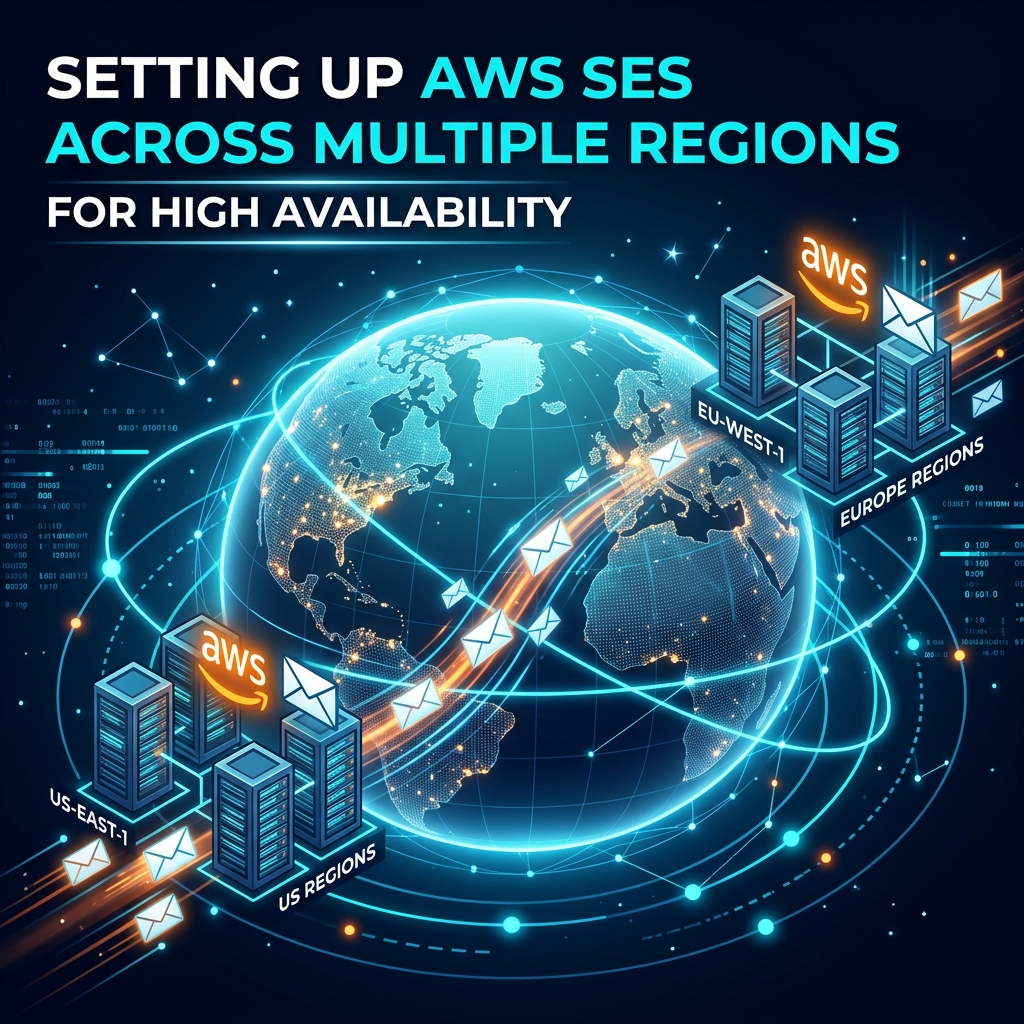
When operating high-throughput SaaS applications or critical transactional email pipelines, relying on a single AWS region for Amazon Simple Email Service (SES) introduces a single point of failure. Although AWS SES maintains internal infrastructure redundancy, regional disruptions, API rate-limit exhaustion, or localized AWS network events can impair outgoing dispatches.
Implementing a multi-region AWS SES deployment ensures high availability (HA), zero-downtime failover, and compliance with strict SLA commitments.
---
## Why Multi-Region AWS SES Architecture?
1. **Regional Outage Resilience**: If `us-east-1` experiences latency or API degradation, dispatches seamlessly shift to `eu-west-1` or `us-west-2`.
2. **Quota & Rate Limit Expansion**: Spreading traffic across regions prevents hitting single-region daily sending quotas or burst rate limitations.
3. **Geographic Proximity**: Sending via the AWS region closest to the target mail server minimizes SMTP handshake round-trip time (RTT).
---
## 1. Domain Identity & DKIM Setup in Secondary Regions
To send emails from multiple regions using the same domain (e.g., `notifications.yourdomain.com`), you must verify domain identity and configure DKIM in **both** primary and secondary AWS regions.
### Step 1: Verify Identity in Both Regions
Generate Easy DKIM CNAME tokens for both regions:
- Primary Region: `us-east-1`
- Backup Region: `eu-west-1`
Each region produces **3 distinct CNAME records** for Easy DKIM. Add all 6 CNAME records to your DNS provider (Route 53, Cloudflare, etc.).
```dns
# Primary Region (us-east-1) CNAME Records
token1._domainkey.yourdomain.com -> token1.dkim.amazonses.com
token2._domainkey.yourdomain.com -> token2.dkim.amazonses.com
token3._domainkey.yourdomain.com -> token3.dkim.amazonses.com
# Secondary Region (eu-west-1) CNAME Records
tokena._domainkey.yourdomain.com -> tokena.dkim.amazonses.com
tokenb._domainkey.yourdomain.com -> tokenb.dkim.amazonses.com
tokenc._domainkey.yourdomain.com -> tokenc.dkim.amazonses.com
```
---
## 2. Setting Up Dynamic Failover Logic
Your application or SMTP Proxy gateway (such as Solidrix Send) should utilize a health-checking wrapper or cascading transport pipeline.
### Conceptual Routing Workflow:
```
[ Application / SMTP Client ]
│
┌───────┴───────┐
▼ ▼
Primary SES Backup SES
(us-east-1) (eu-west-1)
[200 OK] [Standby]
│ │
(Failure / 5xx / Timeout)
└───────┬───────┘
▼
Fallback Triggered
```
### Laravel Multi-Transport Example Configuration:
In `config/mail.php`, define multiple mailers and failover stack:
```php
'mailers' => [
'failover' => [
'transport' => 'failover',
'mailers' => ['ses_us_east', 'ses_eu_west'],
],
'ses_us_east' => [
'transport' => 'ses',
'region' => 'us-east-1',
],
'ses_eu_west' => [
'transport' => 'ses',
'region' => 'eu-west-1',
],
],
```
---
## 3. Centralizing Bounces & Feedback Loops
When emails bounce in a secondary region, Amazon SNS topics must be configured in **both** regions to relay bounce and complaint events to a single centralized webhook endpoint.
1. Subscribe `us-east-1` SNS topic to `https://send.solidrix.com/api/webhooks/aws-ses`
2. Subscribe `eu-west-1` SNS topic to `https://send.solidrix.com/api/webhooks/aws-ses`
This ensures your suppression list remains synchronized regardless of which region dispatched the email.
---
## Conclusion
A multi-region AWS SES architecture guarantees that regional outages or API rate limit caps never stall your critical user communications. By configuring dual-region DKIM tokens and an automated failover router, your application achieves enterprise-grade 99.99% email delivery uptime.