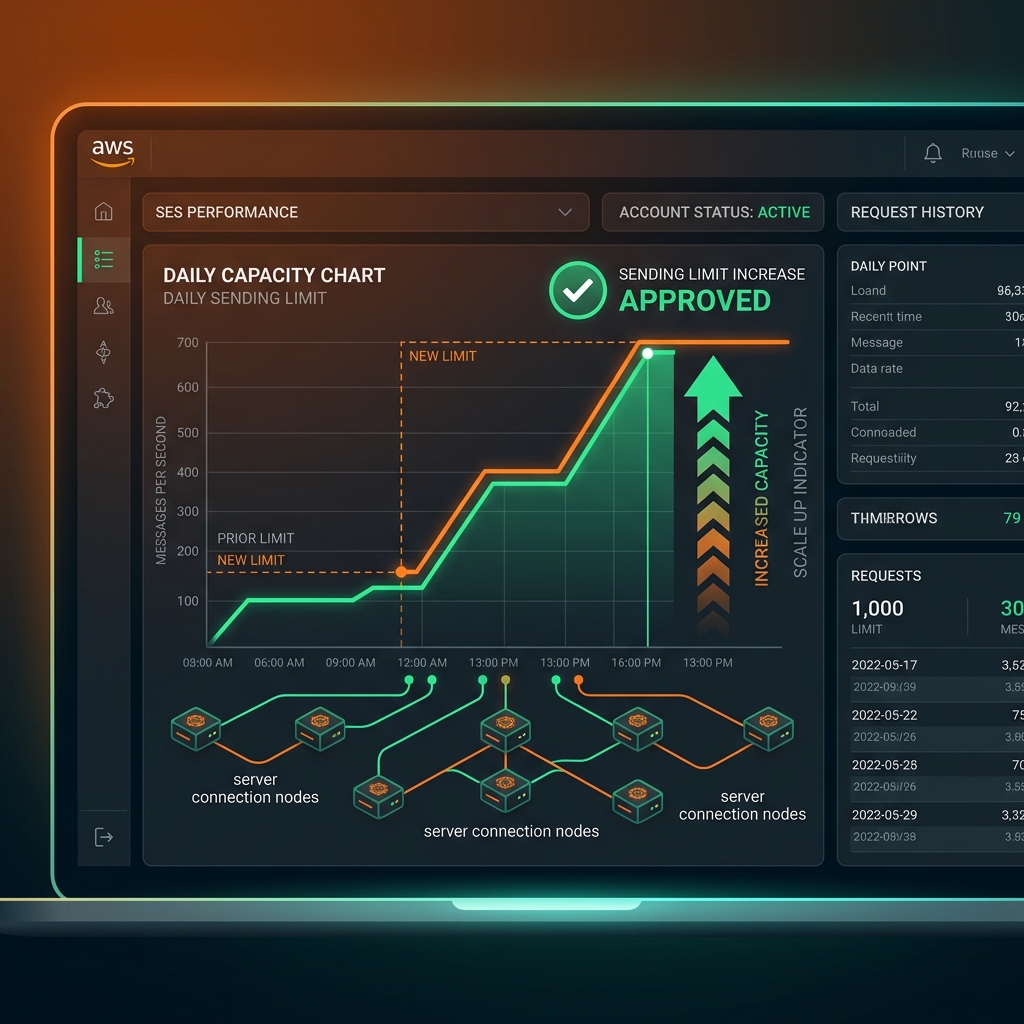
Moving out of Sandbox is just the first step. When your SaaS scales, your transactional volume might exceed the default production limits: **50,000 emails per 24 hours** and **14 messages per second**.
To avoid deliverability delays or dropped queue jobs, you must request an AWS SES sending quota and rate limit increase. This post shows you how to submit a bulletproof quota request to AWS.
---
## 1. Understanding AWS Sending Metrics
AWS SES enforces two distinct types of quotas:
* **Sending Quota**: The maximum number of emails you can send in a rolling 24-hour period.
* **Max Send Rate**: The maximum number of emails you can send per second.
```text
[Daily Quota: 50,000] ----> Limits total daily marketing and transactional volume
[Send Rate: 14/sec] ----> Limits bulk mailing burst speed
```
---
## 2. Preparing Your Request (Avoid Rejection)
AWS support engineers manually review limit increase requests to prevent spam. A poorly formatted request will get rejected instantly.
### Core Deliverability Information Required:
1. **Bounce & Complaint Strategy**: Detail how you handle bounces. State that you use SNS/SQS notifications to auto-remove bad email addresses.
2. **Opt-in Mechanism**: Explain how users end up on your list. Mention "We send double opt-in confirmation emails for marketing and send only user-triggered receipts for transactions."
3. **Unsubscribe Strategy**: State that all emails contain a single-click unsubscribe link in headers (`List-Unsubscribe`) and footers.
---
## 3. Submitting the Request Ticket
1. Go to the **AWS Support Center** console.
2. Click **Create case** -> **Service limit increase**.
3. Under *Limit type*, choose **SES Sending Limits**.
4. In the request details, add:
- **Region**: (e.g., US East N. Virginia)
- **Limit**: *Desired Daily Sending Quota* (e.g., change to 100,000) or *Desired Maximum Sending Rate* (e.g., change to 30/second).
- **Case Description**: Copy and adapt this template:
```text
Hi AWS Support Team,
We are requesting a sending quota increase to 100,000 emails/day and sending rate to 30 emails/sec for our transactional application.
1. Bounces & Complaints: We have configured SNS Topics mapped to SQS queues. Our Laravel app automatically moves bounced or complaining addresses to a suppression list to prevent future sends.
2. User opt-in: All users are verified via double opt-in OTP on register. We do not buy third-party lists.
3. Unsubscribe: All mail headers contain List-Unsubscribe tags.
Please let us know if you need any further information.
```
AWS usually responds and approves limits within **24 hours**. Keep track of your bounce rates during this period.